How the board works
An online tactics board for handball, on your phone or laptop. This is what the board can do, in the order you use it.
Starting lineups
On a new board, set out a lineup in one tap: against 6-0, 5-1 or 3-2-1, or two or three lines for a drill.
Drawing arrows
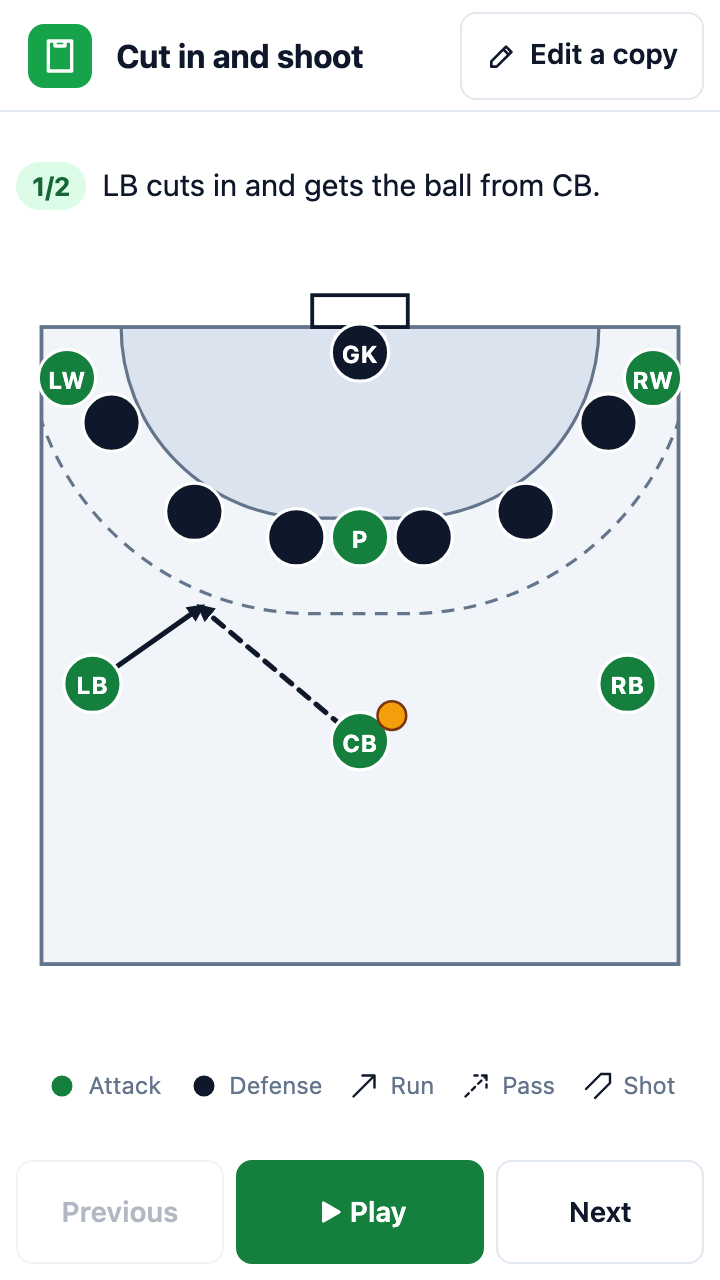
The board opens with Arrow on: drag from a player for a run, and from the ball for a pass.
Shooting
A pass that ends between the posts is a shot.
Kinds of arrow
Tap an arrow and pick run, pass, bounce, dribble, shot or screen.
Numbers and positions
Tap a player, then Number or position: type a jersey number, a position or initials, up to 3 characters.
Steps
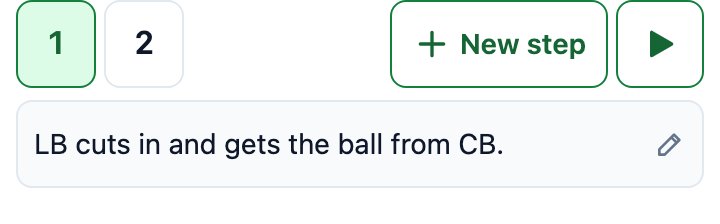
Tap New step for the next step and type one sentence per step: who does what.
LB cuts in and gets the ball from CB. LB shoots at goal.
Play
Tap the button next to New step: the players move along their arrows, step by step.
Sharing
Everything is in the link or in the QR code in More, so your players see every step with its sentence, without an account or app.
My boards
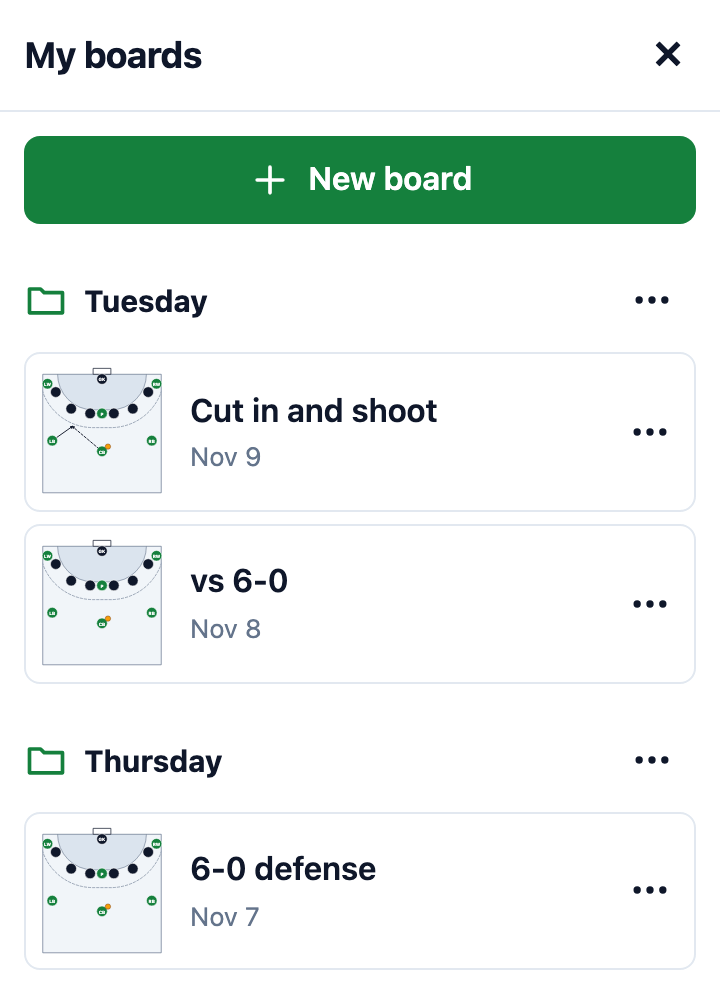
More holds your boards, saved in this browser, in folders in the order of your practice.
On another device
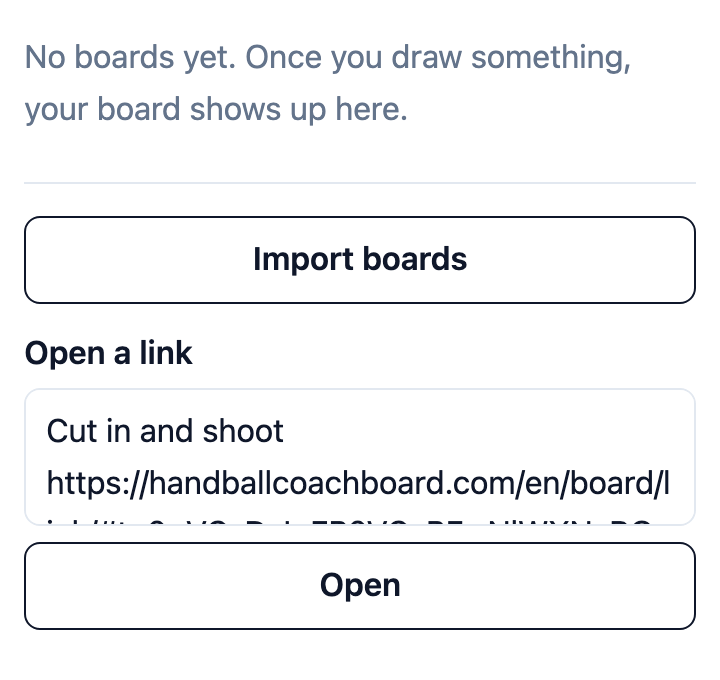
Paste the message of Share folder, or a single link, under Open a link in My boards: your boards are then on that device too.